Planetarium & Framing
An integrated sky framing tool powered by Digitized Sky Survey imagery.
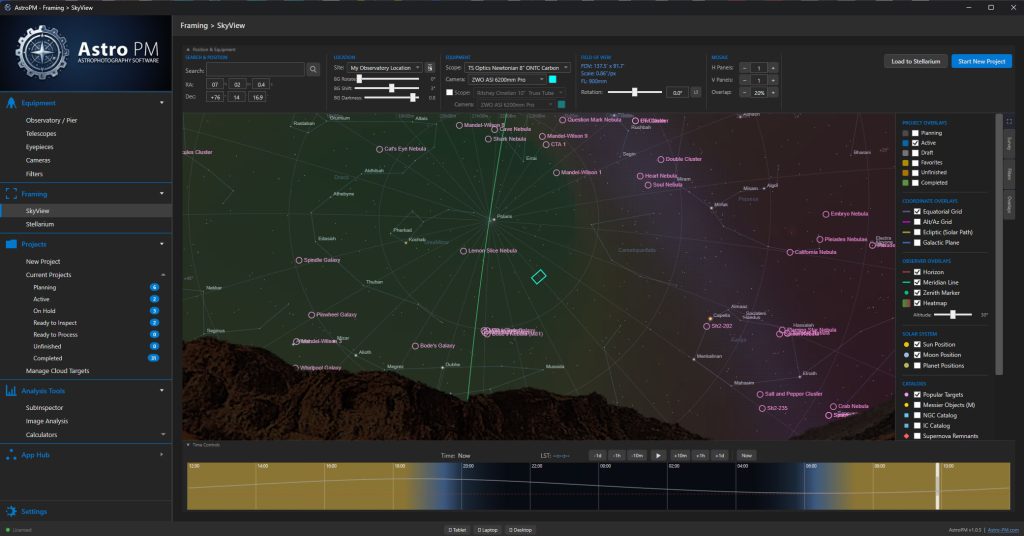
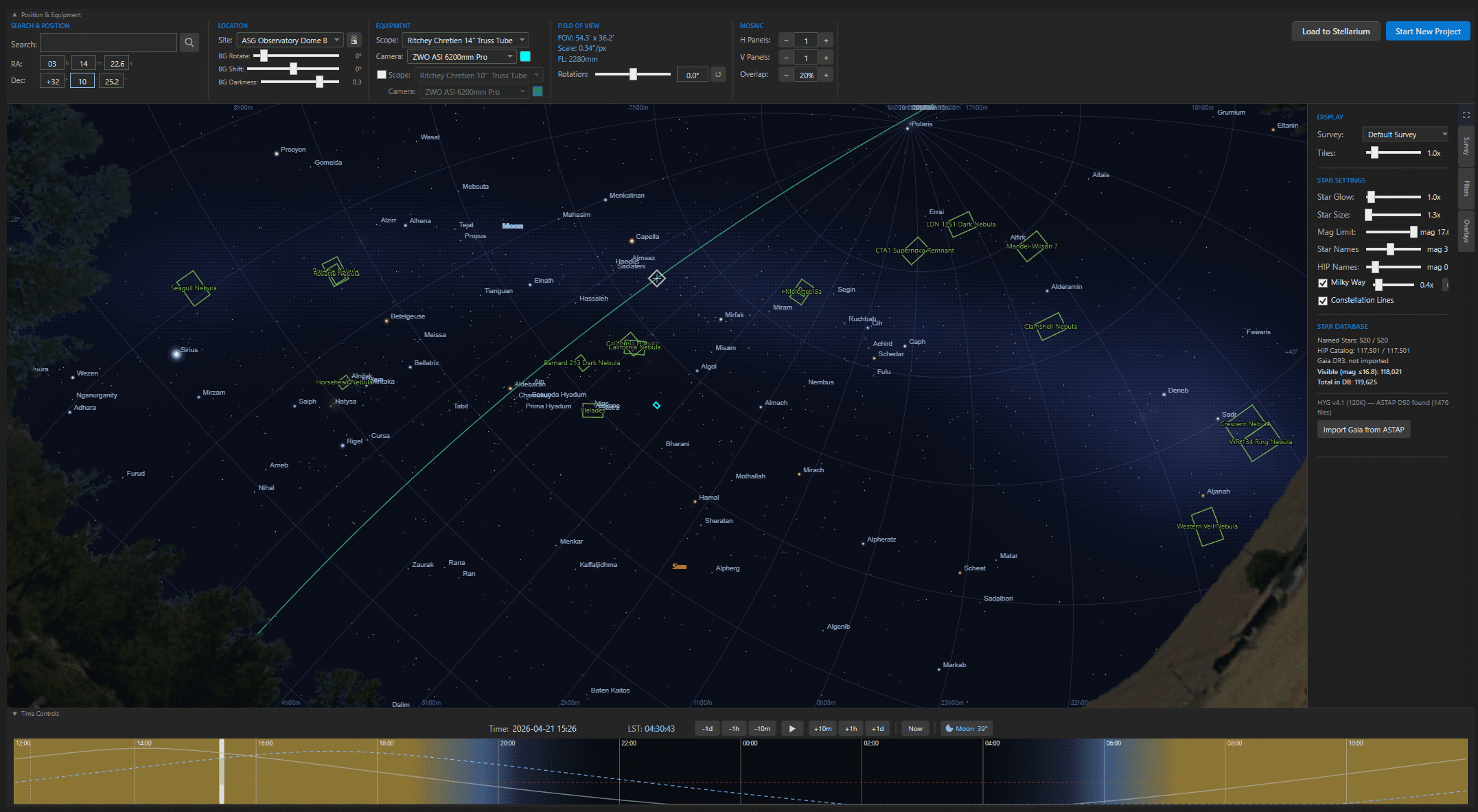
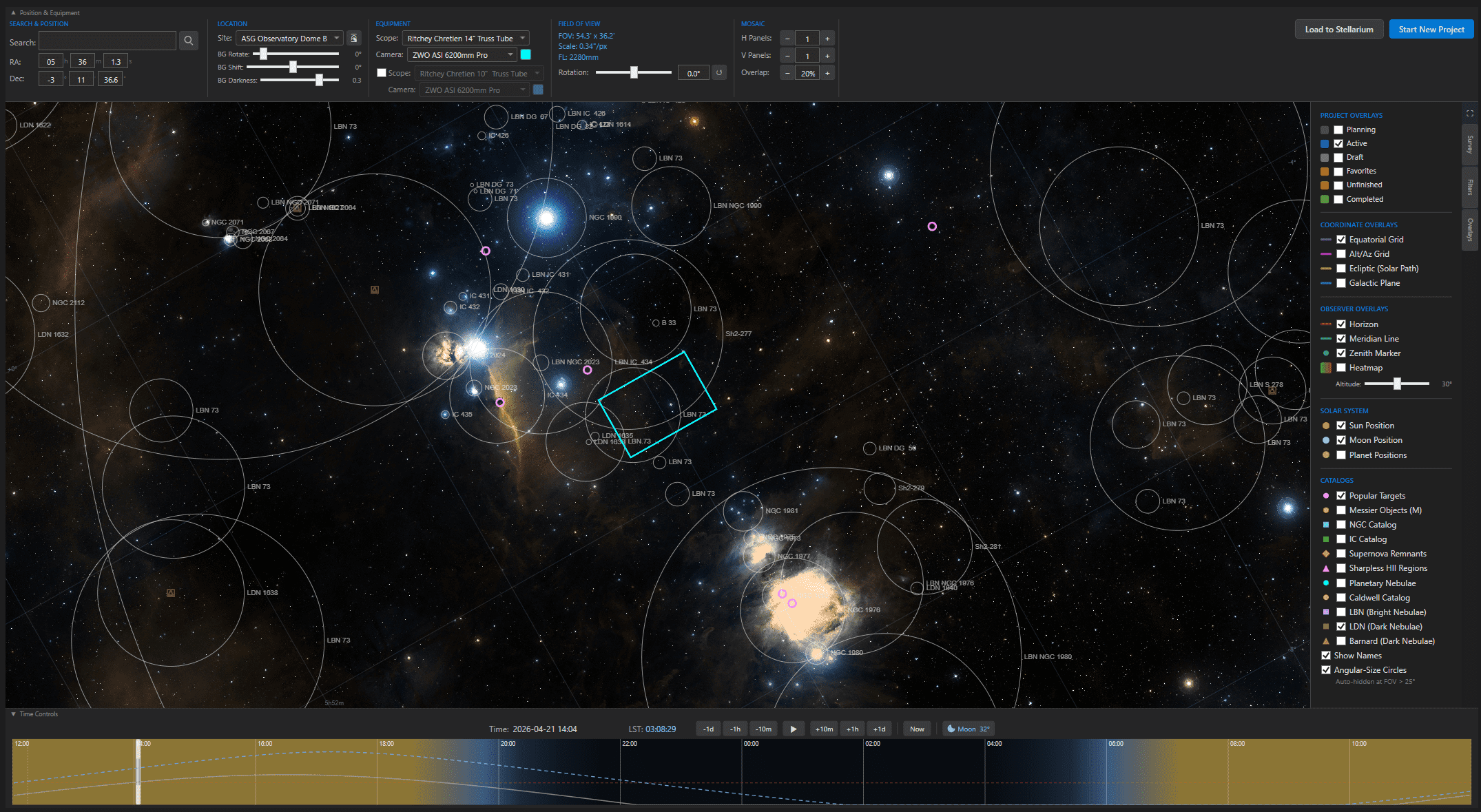
Browse real Digitized Sky Survey imagery directly inside Astro PM. Click a target and instantly see your sensor’s field of view overlaid on actual sky data, sized to your selected telescope and camera.
Overlay DSO catalogs, past project footprints, and survey imagery. Auto-link to SIMBAD and AstroBin for quick reference on any object.
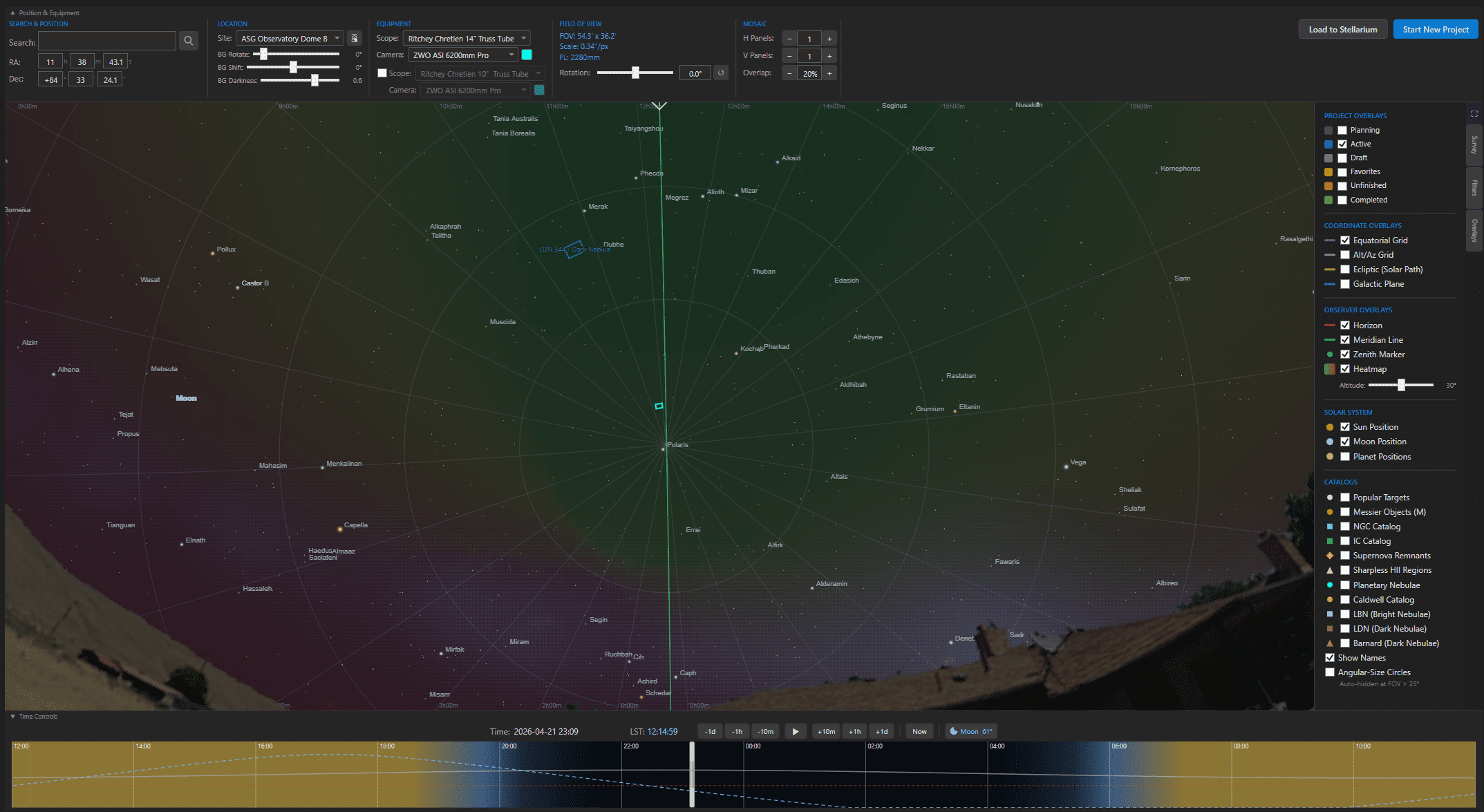
See exactly where you’ve imaged before. Every completed project’s footprint overlays on the sky map so you can find gaps in your history, discover nearby targets, and plan mosaic extensions to past work.
Click any footprint to jump straight to the project record — exposure totals, acquisition dates, and sub-frames, all one click away.
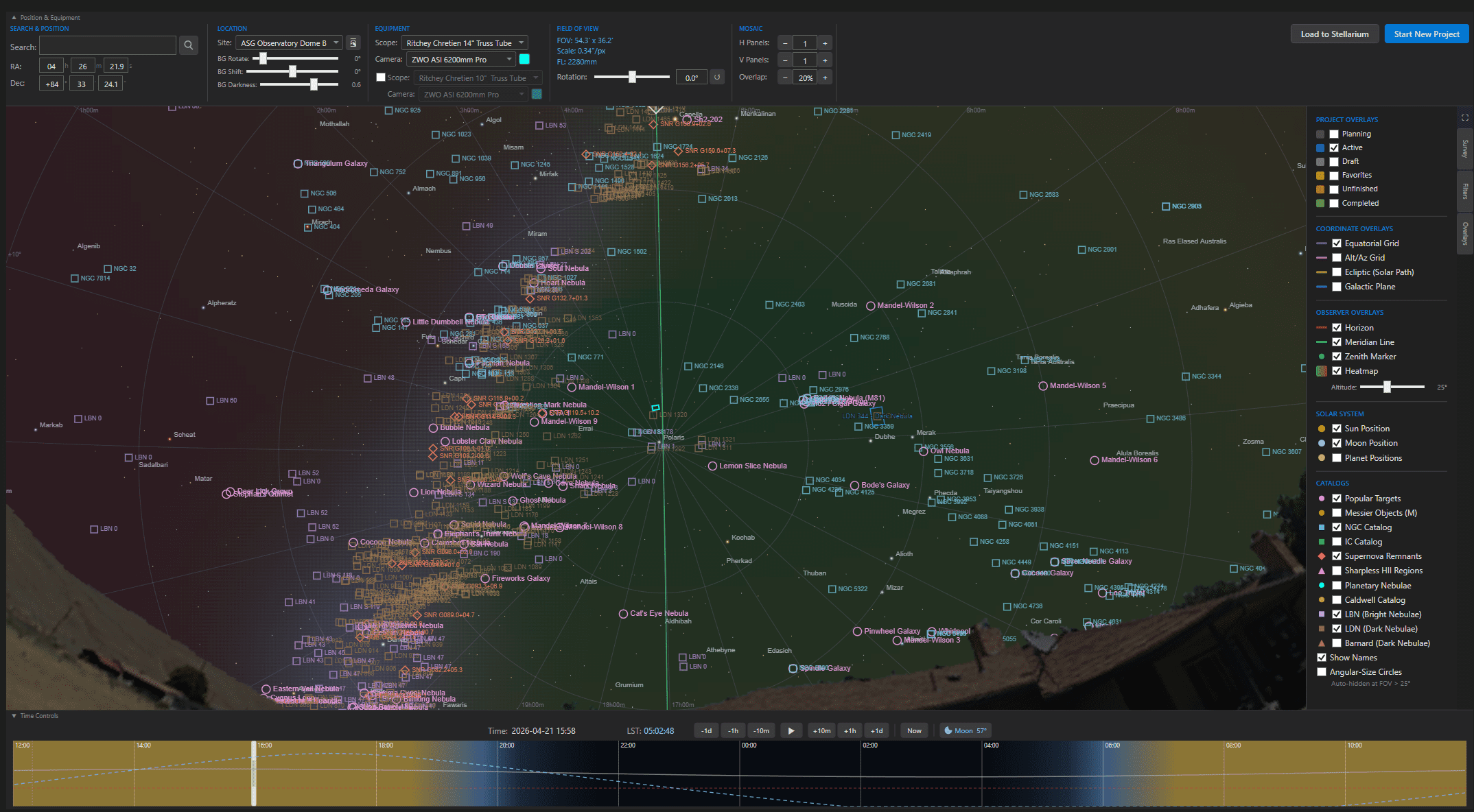
An at-a-glance visibility heatmap across the full year. Green hours are imaging windows where dark skies, moon avoidance, and target altitude all align. Red hours are no-go. Everything in between is shaded by priority.
Plan an entire season in one view. Spot the narrow windows for hard targets, find the best weeks for your wishlist, and never waste a clear night on a target that isn’t actually workable.
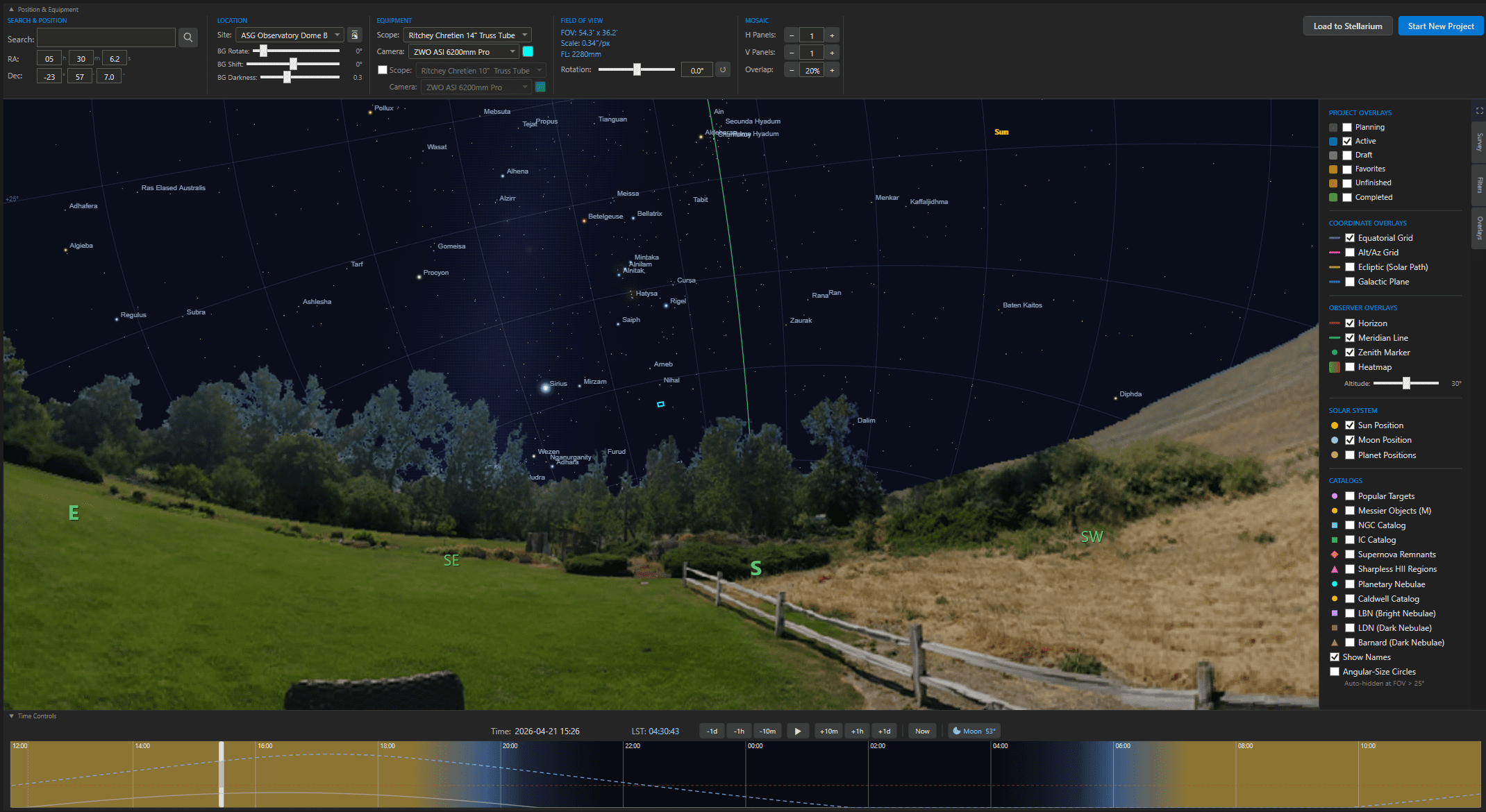
Upload your site’s actual horizon profile — trees, neighboring buildings, ridgelines, observatory walls, whatever blocks your sky. Visibility calculations respect real-world obstructions instead of assuming a perfect flat horizon.
Altitude windows and usable-hours totals now reflect what you can actually image, not an idealized model. Store a different horizon per site for mobile or multi-location setups.
Browse Messier, NGC, IC, Sharpless, Barnard, Caldwell, and more from a single interface. Filter by constellation, magnitude, altitude, or type to narrow down what’s worth imaging tonight.
Click any catalog entry and jump straight to the target on the sky map with your FOV overlay already in place.

View every target at the scale that matters to you — degrees, arcminutes, arcseconds, or pixels across your sensor. Compare target size against your current field of view instantly to pick the right focal length.
Switch scopes or cameras and the angular measurements update in real time, so you always know if a target will fit, need a mosaic, or leave empty sky around it.
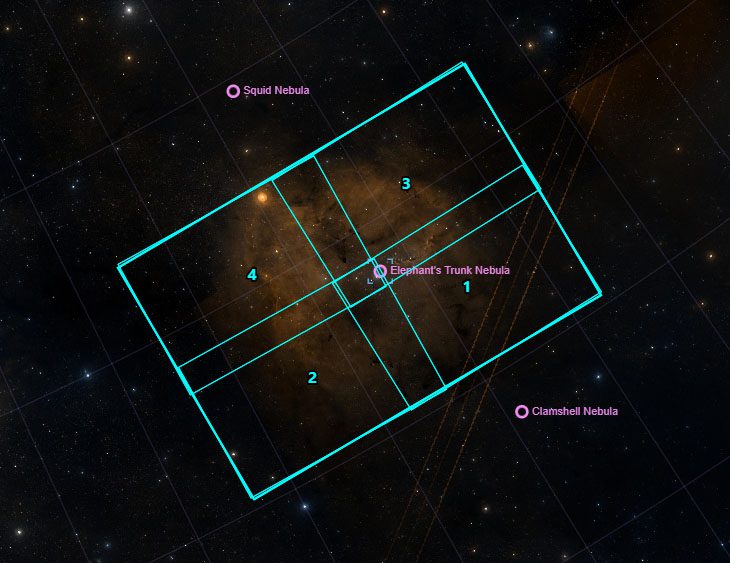
See all mosaic panels overlaid on the sky with proper spacing, overlap, and rotation. Compare camera FOVs side-by-side to pick the right sensor for each target.
Switch your telescope or camera and the framing overlay updates in real time. Save sky view screenshots as project thumbnails.