
The cloud sync is the bridge between the three parts of Astro PM: the desktop app plans, NINA executes, and the phone watches. One sync token ties them all to your account.
How the Pieces Connect #
- The desktop app pushes your active targets, exposure plans, mosaic panels, and per-rig scheduler settings to the cloud.
- The NINA plugin pulls that plan each night, images it, and reports captured subs back so project progress updates automatically.
- The phone app reads the same account to show your systems, targets, and nightly progress.
Your Sync Token #
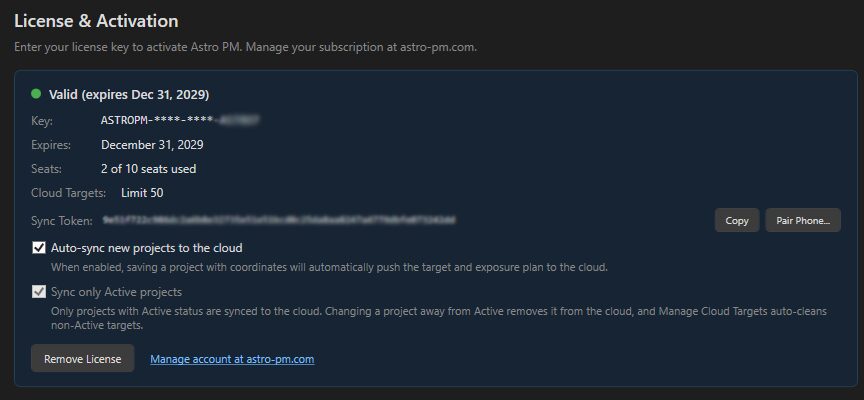
Your token is created with your account and shown in the desktop app’s NINA Sync settings. It is account-level: every computer and device using the same token shares the same cloud targets. To connect a NINA machine, copy the token into the Astro PM plugin’s Options page in NINA. To connect your phone, scan the pairing QR code from the desktop app instead – no typing needed.
What Syncs (and What Does Not) #
Synced: active projects and targets with their exposure plans, panels, rotation, priorities, and constraints; per-imaging-system scheduler settings; capture progress; target thumbnails.
Not synced: your full equipment library, completed or on-hold project history, and local analysis data. The desktop app remains the master planning record.